Welcome to your all-access pass to the AutomateNow HubSpot resources. Uncover invaluable insights honed through years of collaborating with over 70 clients. Let's empower your HubSpot journey, starting now!
Discover the essentials of HubSpot. Explore the ins and outs of contact segmentation and management.
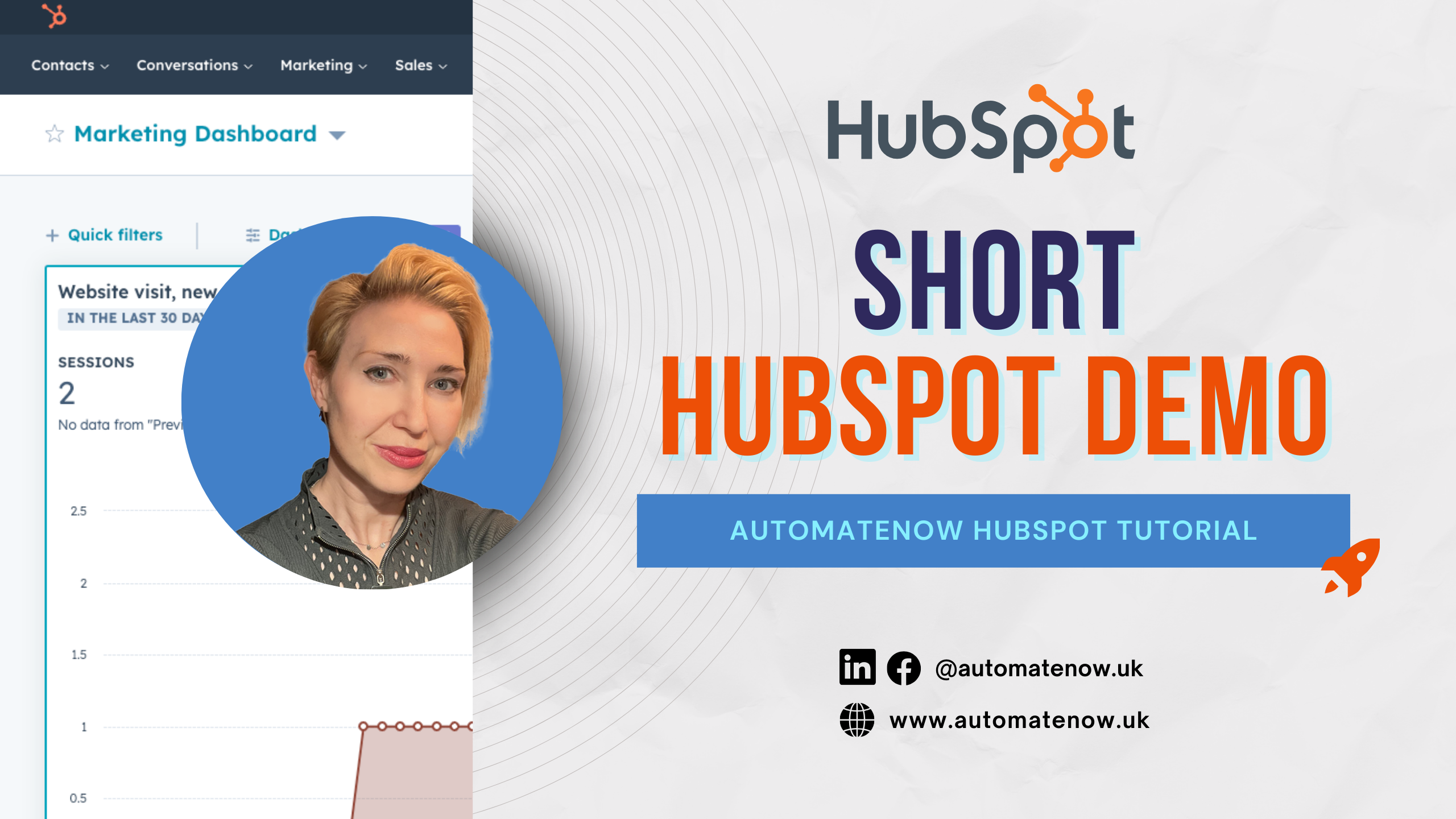
1.1. Short HubSpot Demo
Presenter: Sam Easton Duration: 4 min 20 sec Level: Basic
This video provides a comprehensive overview of HubSpot CRM, covering standard objects like contacts, companies, and deal records. It serves as an excellent starting point for those embarking on their journey with HubSpot.
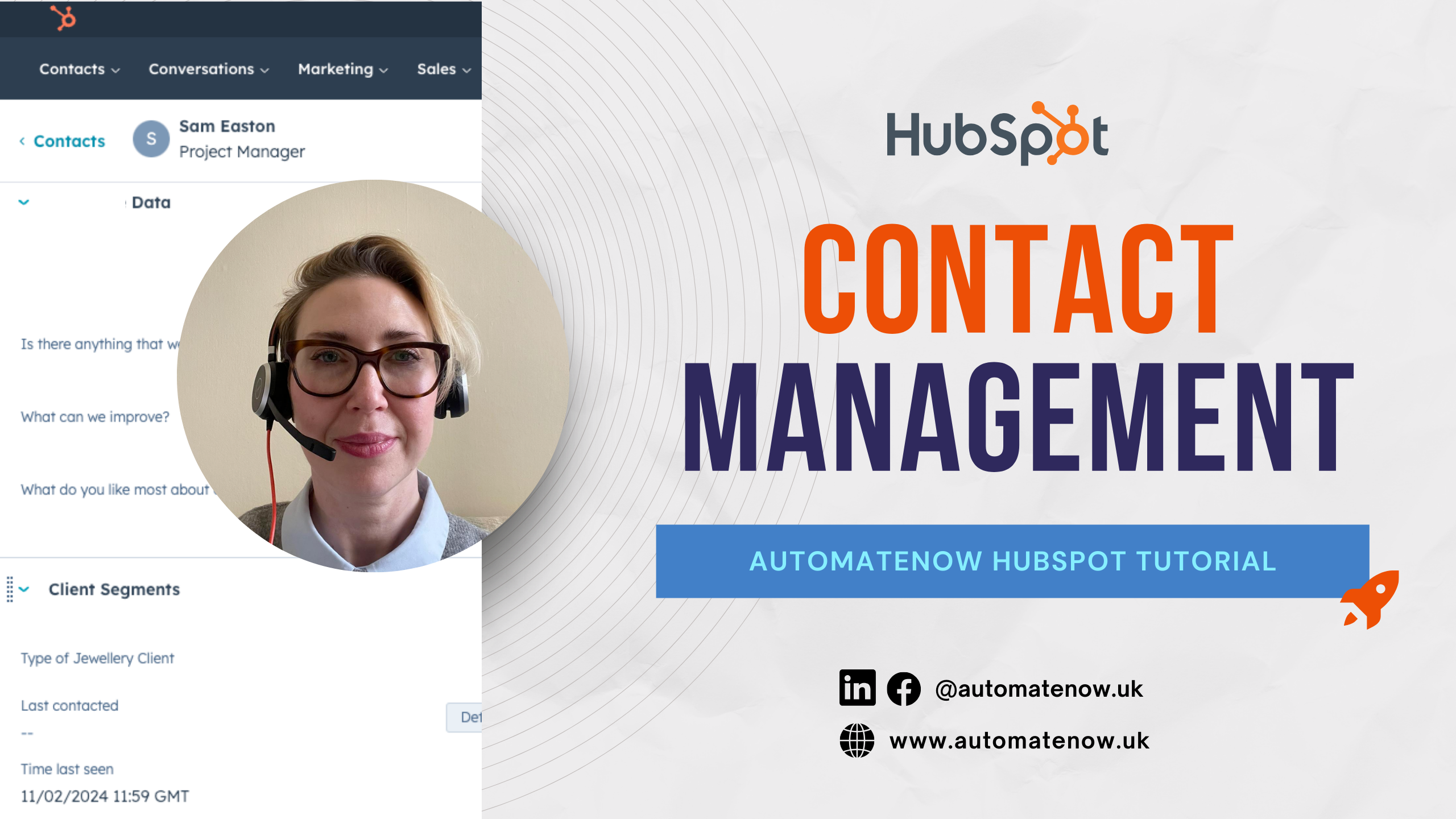
1.2. Contact Management in HubSpot
Presenter: Sam Easton Duration: 3 min 20 sec Level: Basic
Contacts are pivotal in HubSpot usage. In this brief video, you'll master utilizing the contact timeline, integrating crucial sales and marketing data to streamline planning for your next conversation with the right contact.
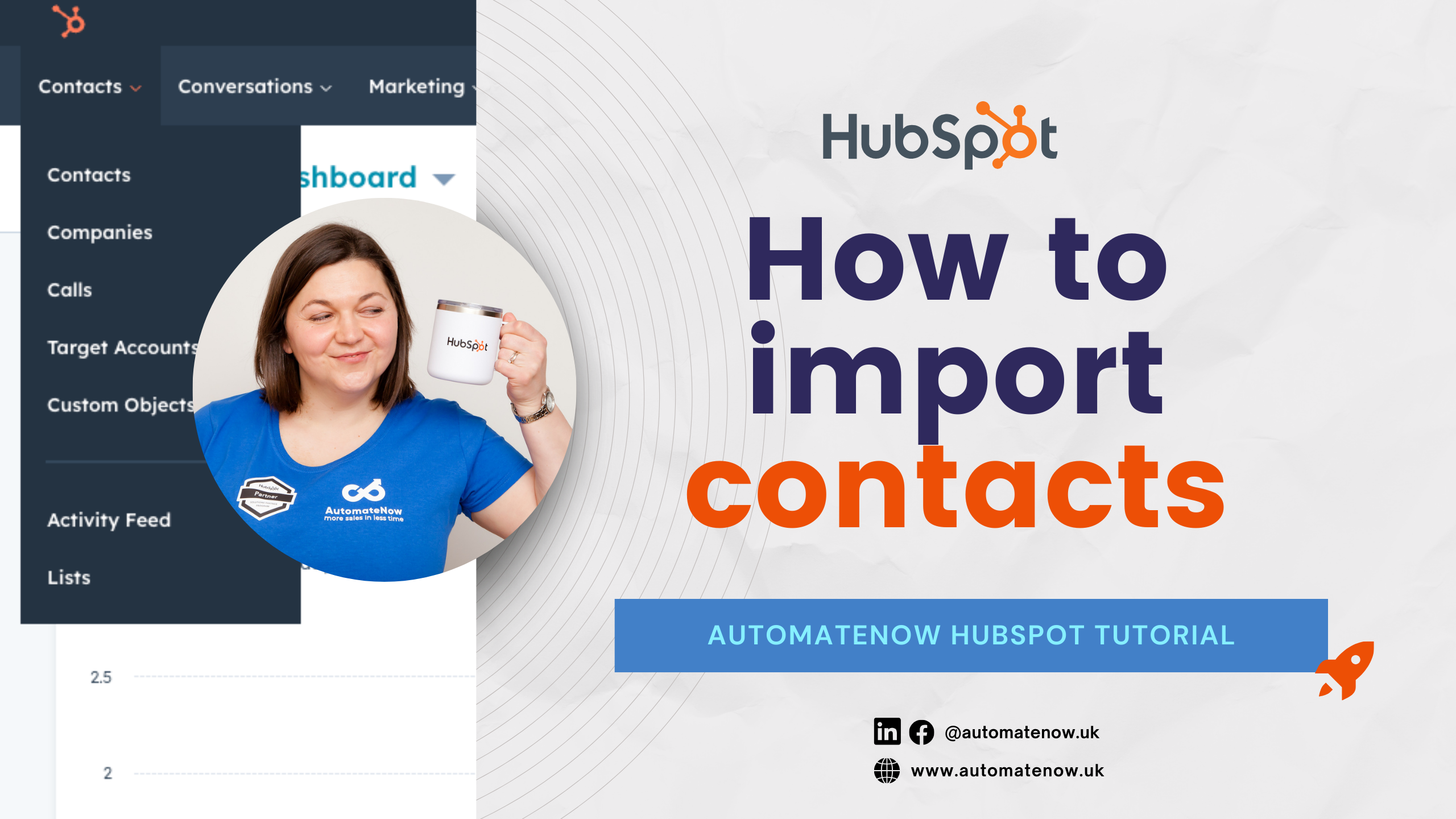
1.3. How to import contacts to HubSpot
Presenter: Anna Drogon Duration: 7 min 46 sec Level: Basic
If you are new to HubSpot or planning to upload your leads to your HubSpot, you might wonder: how to upload it. This video will guide you through the contacts upload process in HubSpot.
1.4. How to segment contacts in HubSpot
Presenter: Anna Drogon Duration: 8 min 58 sec Level: Basic
By segmenting your data in HubSpot, you are more effective with sales and marketing efforts. Think about personalization and relevance to the people you want to engage with. This video will explain how to approach segmentation in HubSpot.
1.5. Streamline your to-do list with Tickets
Presenter: Sam Easton Duration: 3 min 45 sec Level: Basic
Traditionally, tickets are a place to manage inquiries from clients. However, you can use tickets to streamline other processes, such as complex to-do lists. They can be used to plan your content, manage events, or organize projects. This video will dive deep into various use cases for utilizing the Ticket pipeline.
MODULE 2 HubSpot Sales Fundamentals
Discover effective strategies for handling inquiries, managing inboxes, and handling calls seamlessly within HubSpot.
2.1. How to manage enquiries in HubSpot
Presenter: Sam Easton Duration: 4 min 07 sec Level: Basic
In this video, Sam explains how to manage inquiries by using the Deal Pipeline. You will learn tips on customizing deals and the deals pipeline to reflect your own unique sales process.
2.2. How to use Inbox in HubSpot
COMING SOON
2.3. How to track calls in HubSpot
Presenter: Anna Drogon Duration: 6 min 16 sec Level: Advanced
Having all incoming and outgoing calls will help you to see a bigger picture of what is going on with your sales and project delivery. You can actually make and receive calls through HubSpot. This video will explain how to track calls in HubSpot.
2.4. How to set up meeting links in HubSpot
Presenter: Sam Easton Duration: 3 min 49 sec Level: Basic
HubSpot offers the same meeting link functionality as Calendly. One major benefit is that you can add custom questions for all your bookings, allowing you to qualify your calls more quickly. This video will guide you through the setup process of HubSpot meeting links.
2.5 How to use Lead Scoring in HubSpot
Presenter: Bart Kowalczyk Duration: 2 min 08 sec Level: Advanced
In reality, there are numerous touchpoints throughout the buyer's journey. How can you effectively qualify your leads for sales conversations? HubSpot can assist you in achieving this by creating lead scoring properties that dynamically adjust points based on data within HubSpot. This video will guide you through the setup process of lead scoring in HubSpot.
2.6. Getting Started with Target Accounts in HubSpot
Presenter: Bart Kowalczyk Duration: 4 min 02 sec Level: Advanced
Many of HubSpot's clients have multiple customers. The Account Management tool in HubSpot can assist you in identifying potential gaps in communication with different stakeholders and uncovering upselling opportunities. This video will guide you through the process of setting up Target Accounts in HubSpot.
2.7. Getting Started with Deals in HubSpot
Presenter: Bart Kowalczyk Duration: 2 min 52 sec Level: Basic
Deals in HubSpot serve as a canvas board to organize your sales process efficiently. This video will demonstrate the best practices for setting up your deal pipeline to move prospects swiftly through their buyer journey.
2.8. How to manage leads in HubSpot?
Presenter: Bart Kowalczyk Duration: 3 min 26 sec Level: Advanced
Many sales reps are prematurely opening deals, resulting in an unhealthy pipeline that fails to provide accurate business forecasts. With HubSpot's Prospecting tool, you can qualify leads before they enter the deal stage. This video will guide you through the lead management tool in HubSpot.
2.9. Getting Started with HubSpot Forecasting tool
Presenter: Bart Kowalczyk Duration: 2 min 06 sec Level: Advanced
The forecasting tool in HubSpot provides sales predictions within your sales teams. It also serves as a motivational tool based on individual sales rep goals. Take a look at how to set it up in HubSpot.
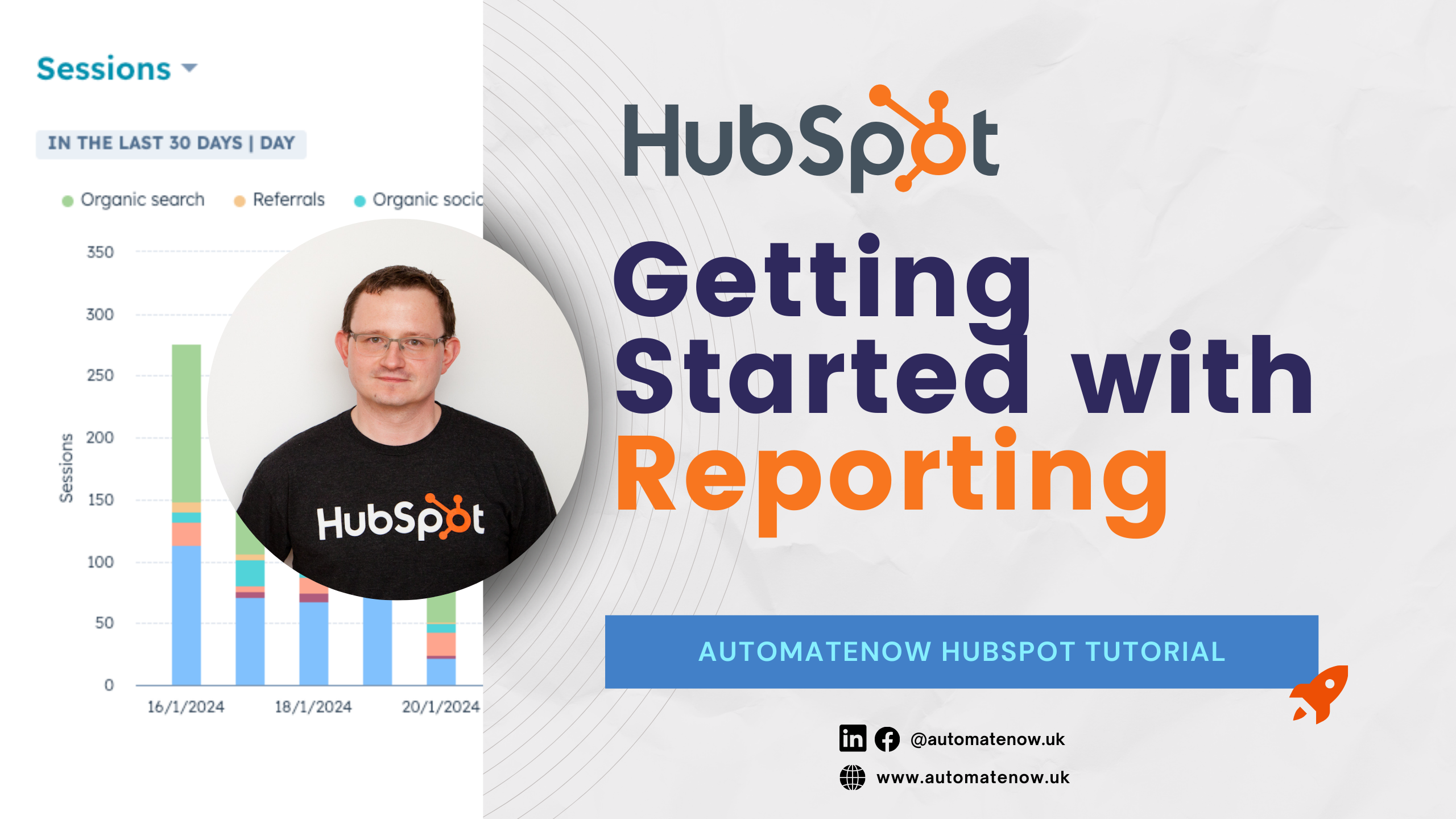
2.10. Getting Started with HubSpot Reporting
Presenter: Bart Kowalczyk Duration: 2 min 28 sec Level: Advanced
The essence of HubSpot CRM lies in its reporting capabilities. Discover insights such as the average deal value per pipeline, which sales teams are underperforming in terms of outreach activities, and which blog traffic brings leads that convert to clients. Take a closer look at what you can achieve with HubSpot reporting.
Module 3 HubSpot Marketing Fundamentals
Craft landing pages, optimize with powerful SEO tools, and master the art of compelling calls to action and object customization.
3.1. Getting Started with Campaigns
Presenter: Bart Kowalczyk Duration: 3 min 21 sec Level: Advanced
Many marketing activities lack proper analysis of what's working and what's not. HubSpot's Campaign tool integrates all marketing activities and assets, presenting contacts that you're influencing for sales conversations. This video will guide you through HubSpot's campaign capabilities.
3.2. How to create a highly converting landing page in HubSpot
Presenter: Zaneta Mendel Duration: 4 min 38 sec Level: Basic
In HubSpot, you can create an unlimited number of landing pages for your campaigns, whether they're for events, webinars, newsletter sign-ups, or thank-you pages. Setting up and building your foundation for inbound marketing is easy. This video will guide you through the step-by-step process of creating landing pages in HubSpot.
3.3. How to use SEO tool in HubSpot
Presenter: Bart Kowalczyk Duration: 2 min 05 sec Level: Advanced
HubSpot has a built-in SEO tool that helps you achieve better organic rankings. You can create Pillar pages and track the performance of your produced content. Additionally, it scores your content for blogs and other assets, ensuring that your marketing efforts are rewarded on Google.
3.4. How to set up Calls to Action for Lead Generation in HubSpot
Presenter: Zaneta Mendel Duration: 5 min Level: Basic
Traffic with no action from leads is a wasted opportunity. In HubSpot, you can create calls to action and utilize automation to nurture leads. This video will demonstrate how you can build a CTA library in HubSpot, allowing you to reuse your marketing assets effectively.
3.5. How to crop image in HubSpot
Presenter: Zaneta Mendel Duration: 1 min 52 sec Level: Basic
One of the benefits of HubSpot is that all marketing assets are centralized. If you create an image for your email, it's available in the files library for other assets like landing pages or social media posts. This video will demonstrate a handy trick for cropping images in HubSpot to streamline the process of enhancing your marketing materials.
Module 4
Mastering HubSpot Automation
Unlock the secrets to crafting efficient workflows, seamless sequences, and optimizing your recruitment process using HubSpot Tickets
4.1.Getting Started with Workflows
Presenter: Anna Drogon Duration: 10 min 44 sec Level: Advanced
Workflows is a key HubSpot tool helping you to automate your sales and marketing efforts. This video will dive deep into workflows best practices.
4.2. Getting Started with Sequences
Presenter: Bart Kowalczyk Duration: 5 min 07 sec Level: Advanced
One of our favourite tools is HubSpot Sequences. This tool has many use cases, from prospecting and chasing invoices to streamlining automatic task setups. Explore how you can leverage Sequences in your business.
4.3. Streamline your recruitment with HubSpot Tickets
Presenter: Sam Easton Duration: 3 min 37 sec Level: Advanced
As businesses scale, the need for people grows, and often this process is managed outside of CRM systems. In HubSpot, you can leverage the ticket function to streamline your recruitment process. This video will guide you through HubSpot's ticket capabilities for recruitment purposes.
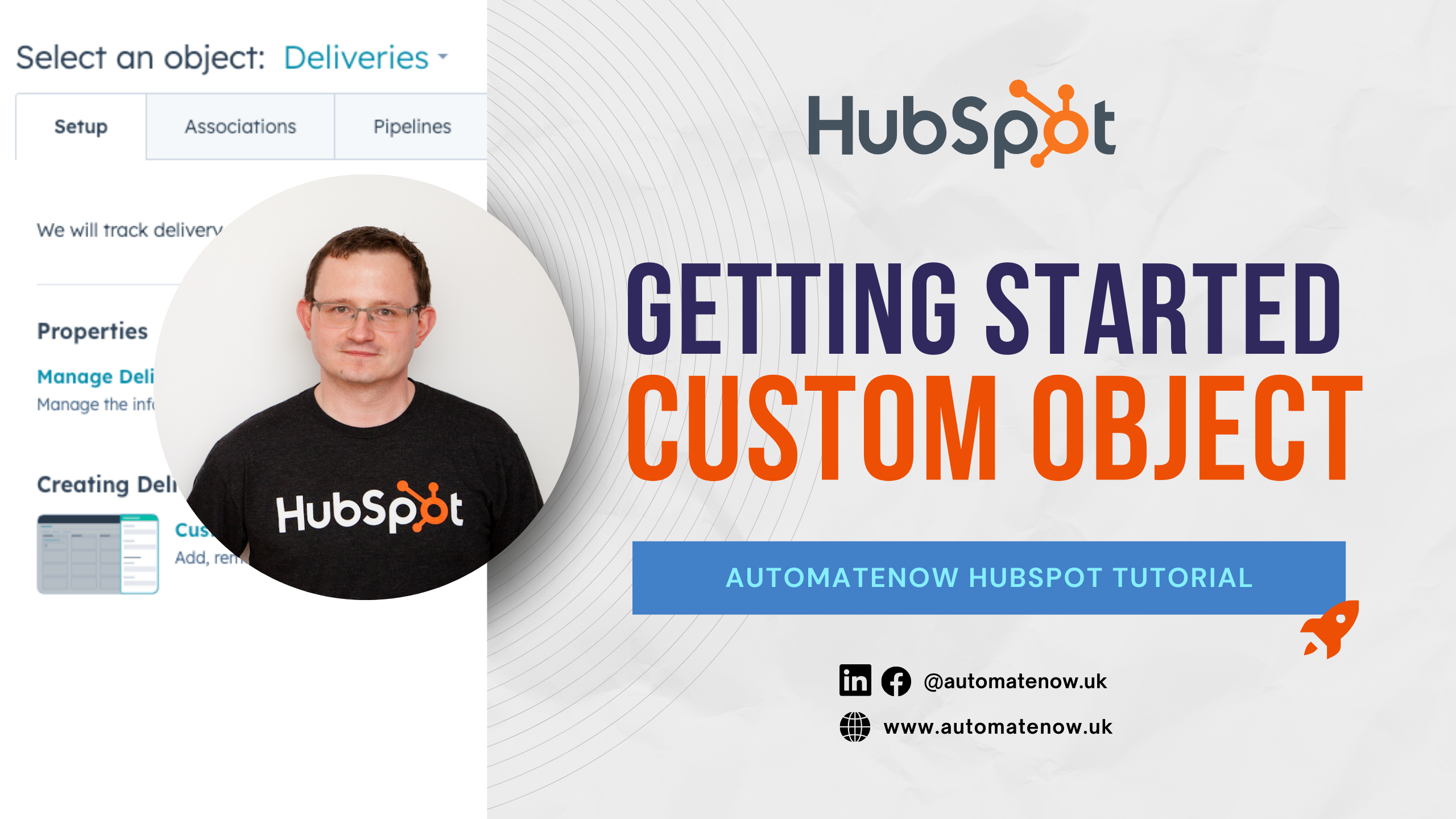
4.4. Getting Started with Custom Object in HubSpot
Presenter: Bart Kowalczyk Duration: 3 min 07 sec Level: Advanced
The HubSpot Enterprise CRM feature enables you to create your own objects, a powerful tool for streamlining custom processes. Use cases such as project management, pet names, or delivery information are just a few examples. This video will guide you through various custom object use cases that you may find beneficial for your business.
Trusted by
Need More HubSpot Assistance?
Tell us about your problem and we will respond as soon as possible.